Getting Started#
What is MockLane?#
MockLane is a developer platform that combines webhook capture and mock API building into one tool. It helps you:
- Create unique URLs to receive and inspect incoming webhook payloads from any service (Stripe, GitHub, Slack, Twilio, etc.).
- Define mock API endpoints with dynamic responses, template variables, conditional rules, and response sequences — no backend needed.
- Collaborate with team members in shared workspaces with role-based access control.
Create an Account#
MockLane uses passwordless magic link authentication. No passwords to remember.
- 1Navigate to the Login page.
- 2Enter your email address and click Send Magic Link.
- 3Check your inbox and click the link in the email from MockLane.
- 4You'll be automatically signed in and redirected to your Dashboard.
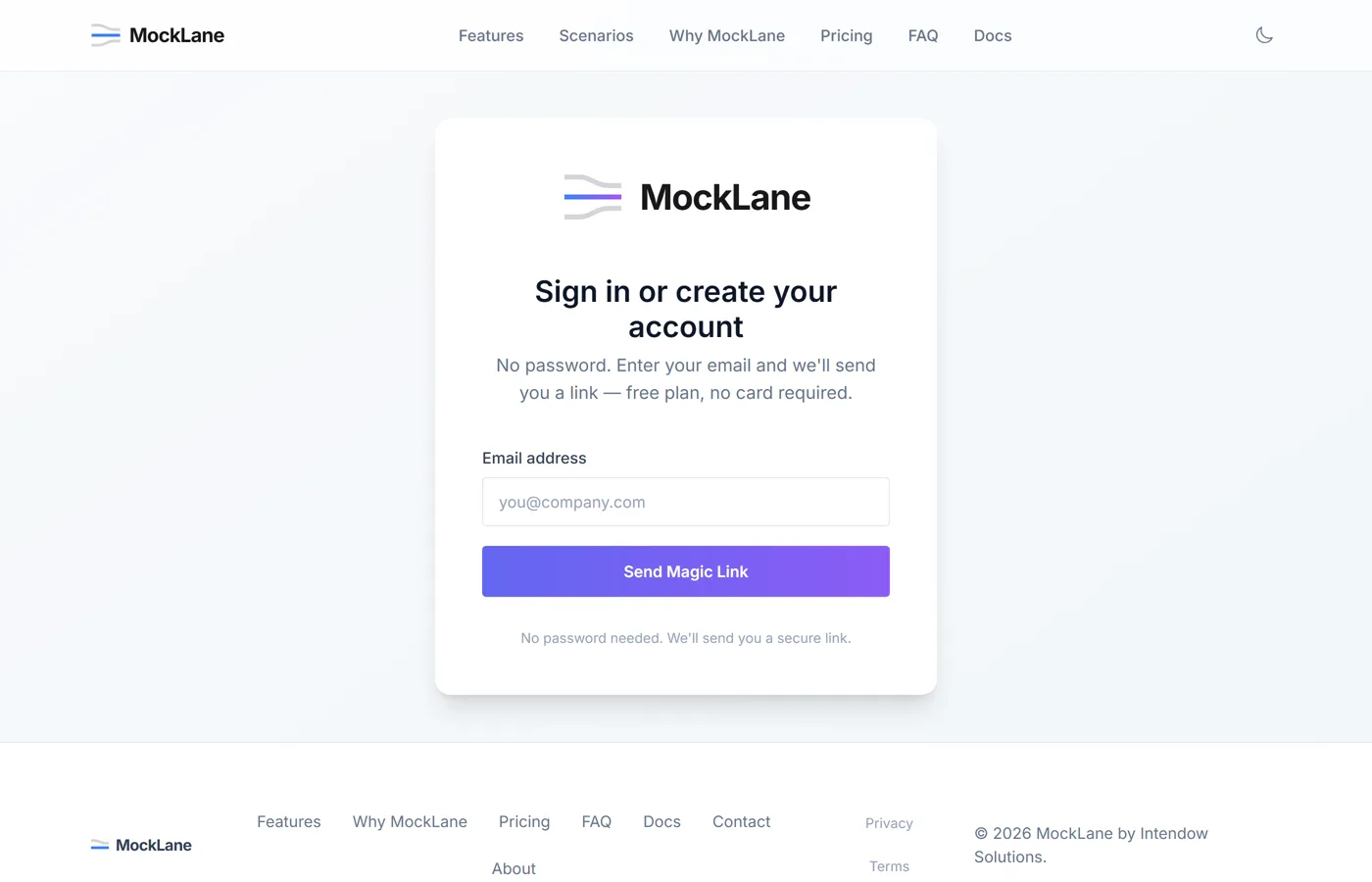
Magic links expire after 15 minutes. If you don't see the email, check your spam folder.
Dashboard Tour#
After signing in, the Dashboard is your home base:
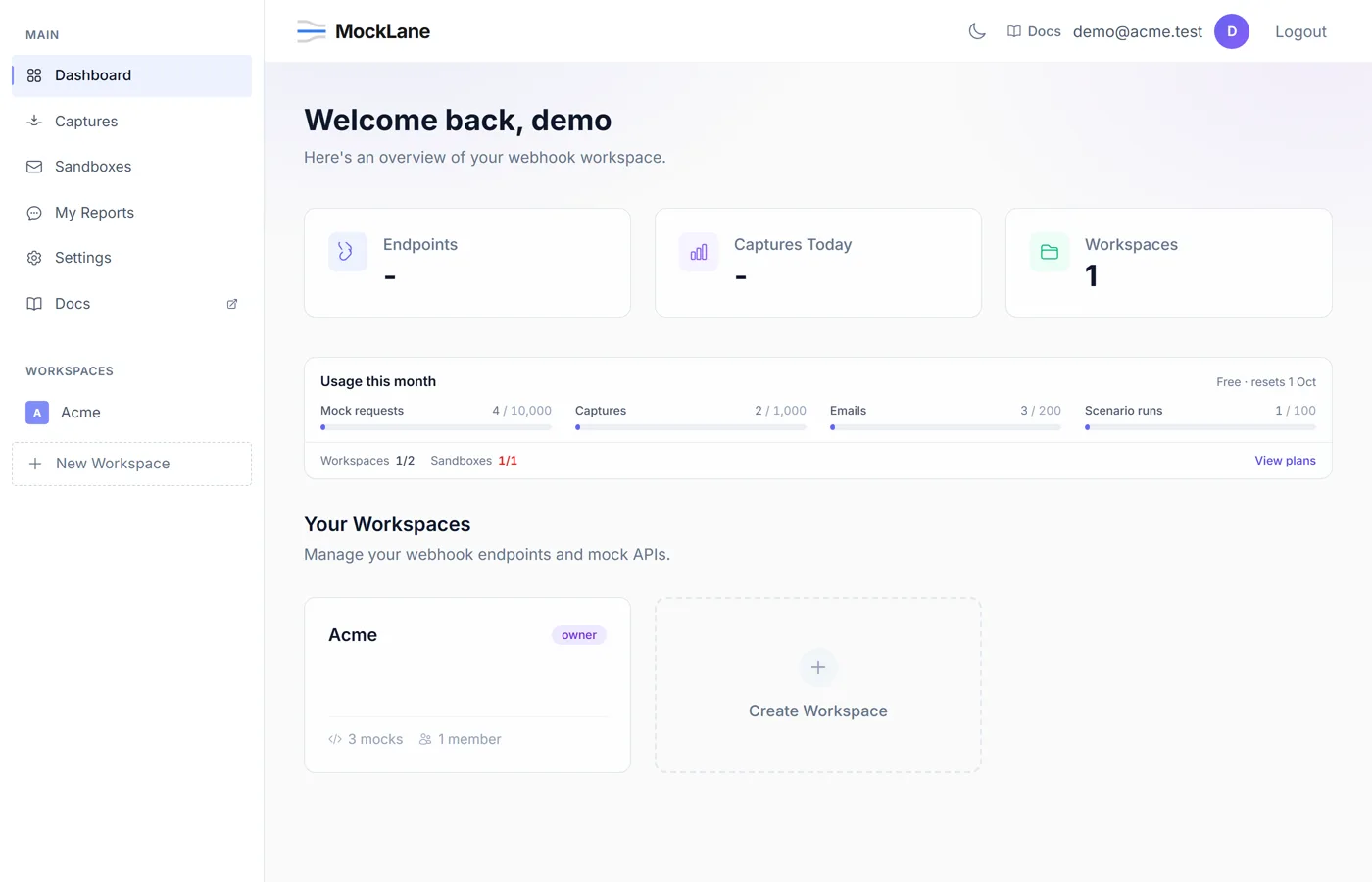
- Left Sidebar — Navigate between Dashboard, Captures, Settings, and your Workspaces.
- Dashboard — Overview of recent activity, quick stats (captures, active mocks, workspaces).
- Captures — Chronological log of all received webhooks.
- Workspaces — Isolated project spaces containing mock endpoints, members, and configs.
MockLane © 2026 · Built for developers
Go to Dashboard