Importing#
How do I turn an OpenAPI spec into a mock API?#
Import your OpenAPI 3.0 or Swagger 2.0 spec to auto-generate mock endpoints.
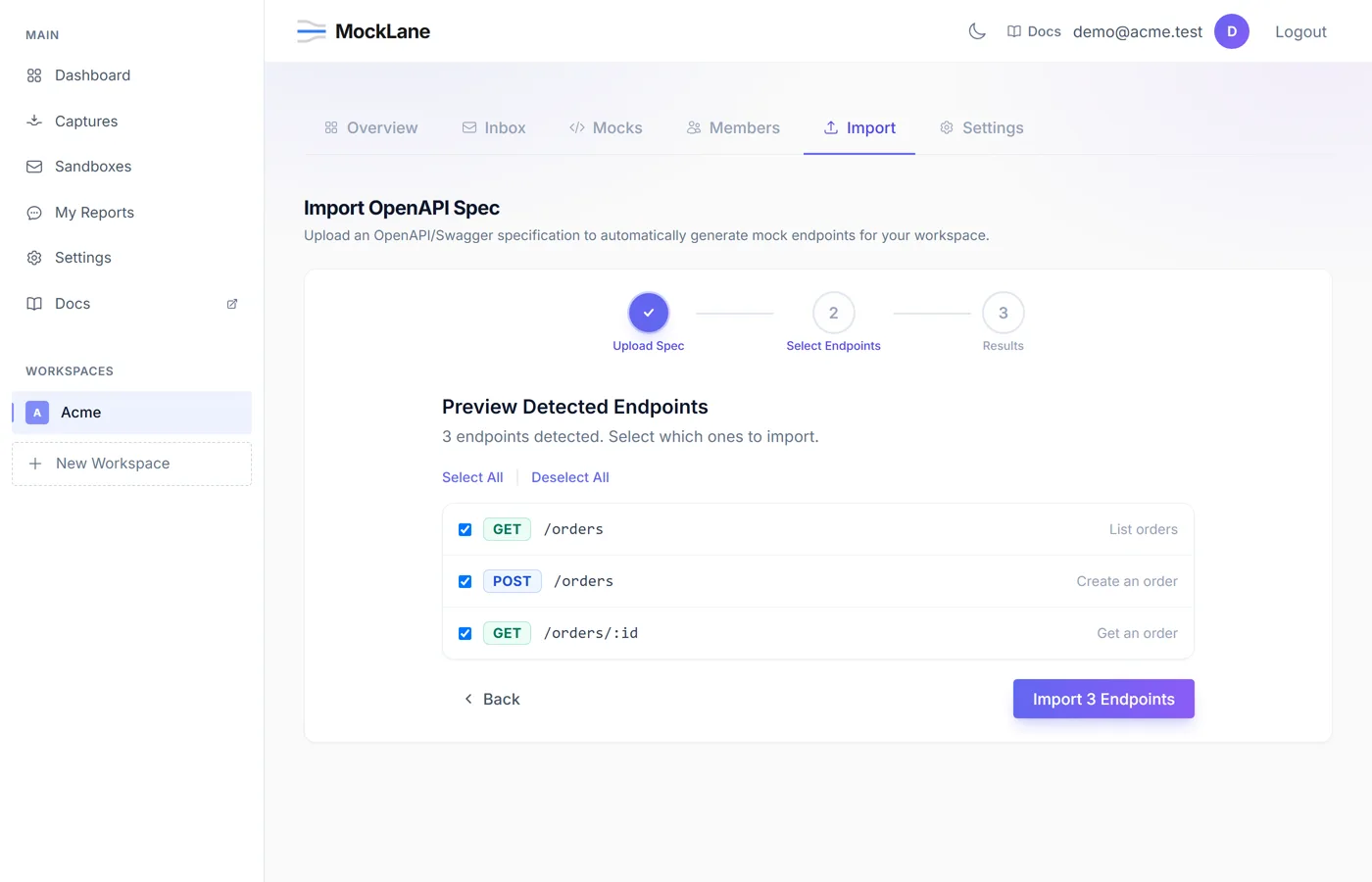
- 1Navigate to your workspace → Import tab.
- 2Paste your OpenAPI YAML/JSON or upload a file.
- 3Click Preview Endpoints to see detected paths.
- 4Select which endpoints to import.
- 5Click Import.
Response bodies are auto-generated from your spec's response schemas, including $ref resolution and example values.
If your spec defines
example values, those are used directly. Otherwise, MockLane generates realistic mock data using template generators.How do I define a workspace from a YAML file?#
Define multiple models and their relationships in a single YAML file. MockLane creates a set of CRUD mock endpoints for each model.
yaml·mocklane.yaml
models:
  users:
    _count: 50
    fields:
      name: faker.name
      email: faker.email
      avatar: randomAvatar
      active: randomBool
    has_many:
      - posts

  posts:
    _count: 100
    fields:
      title: faker.sentence
      body: faker.paragraph
    belongs_to: users
This generates GET /users, GET /users/:id, POST /users, PUT /users/:id and DELETE /users/:id, and the same for posts. Field values name data generators. _count sets how many records the list returns, has_many embeds generated child records in the single-record response, and belongs_to adds a parent id field such as user_id. Responses are generated on every call; nothing is stored.
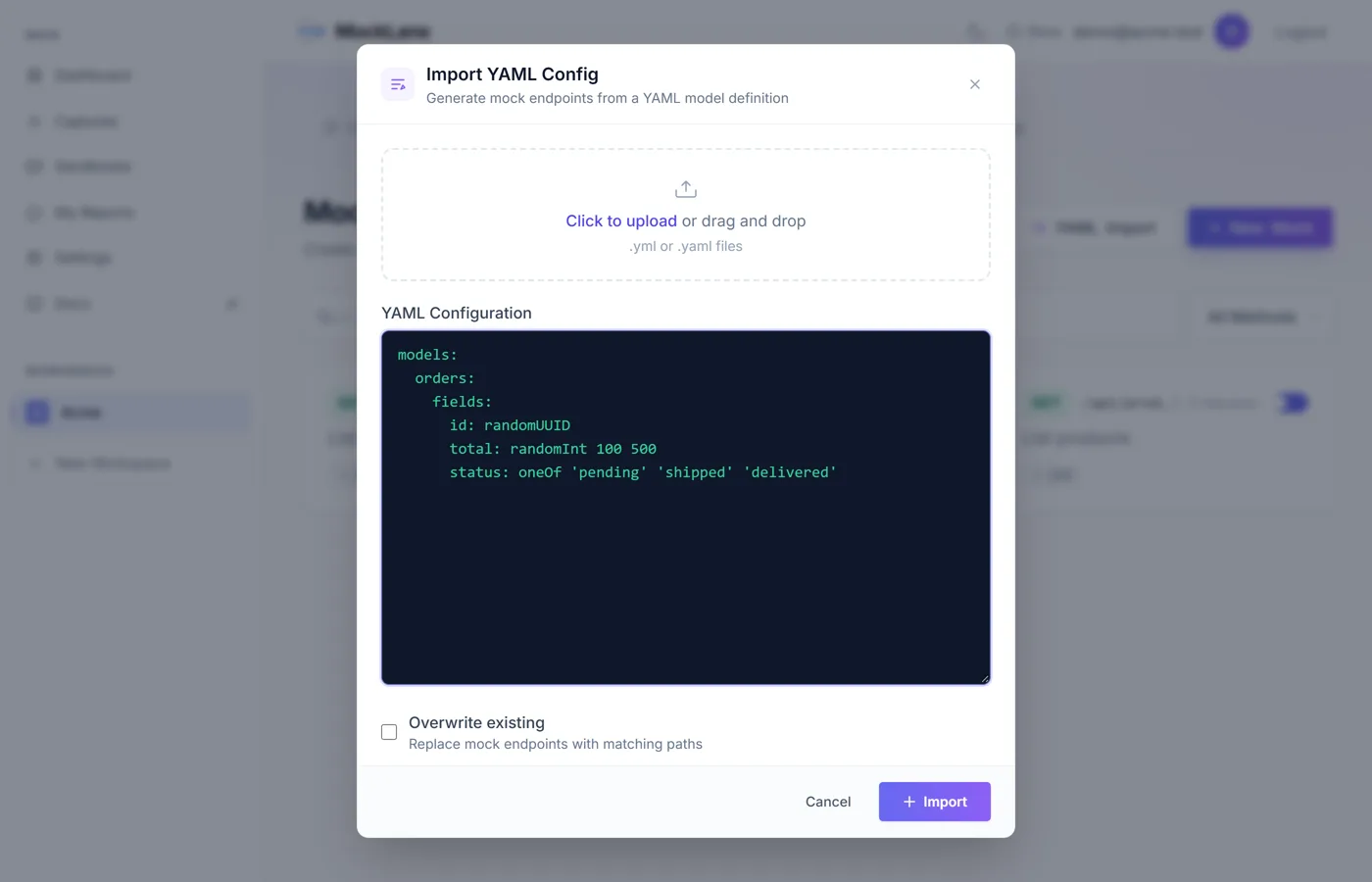
- 1On the Mocks page, click YAML Import.
- 2Paste your YAML config or upload a file.
- 3Click Import.
MockLane © 2026 · Built for developers
Go to Dashboard